
Most resumes are not rejected, they are never seen. This ATS resume template shows how to structure your resume so it is easier for Applicant Tracking Systems to scan, search, and rank before a recruiter ever opens it.
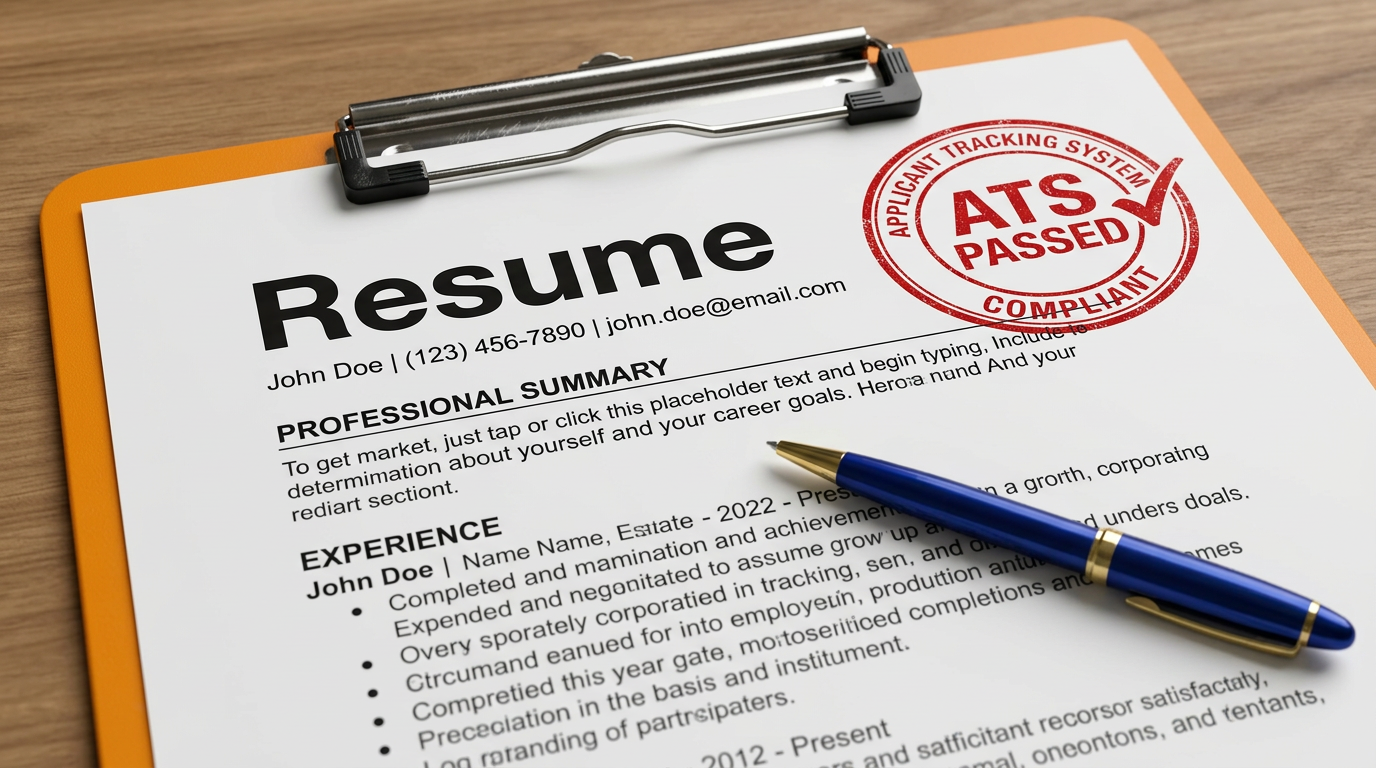
Use a clean single-column structure. Columns, graphics, and decorative layouts can break ATS parsing and hide important information.
Use the exact role title from the job posting when it accurately reflects your background. Small wording differences can affect visibility.
Include relevant skills, tools, and responsibilities from the job description across your summary, experience, and skills sections.
Stick to clear labels like Professional Summary, Work Experience, Education, and Skills so systems can understand your resume structure.
Write bullet points that explain what you did and what changed. Strong results help both ATS matching and recruiter review.
Use simple fonts, clear date formatting, and consistent spacing. A resume that is easier to parse is easier to find and review.
A strong ATS resume is simple, structured, and easy to scan. It does not need visual effects. It needs clarity, standard section names, and clean spacing.
2–4 lines summarizing your experience, strongest skills, and value aligned to the role.
Company 1 | Job Title | Location | Jan 2022 – Mar 2025
Company 2 | Job Title | Location | Jan 2022 – Mar 2025
Company 3 | Job Title | Location | Jan 2022 – Mar 2025
Degree | Major | University | Year
Relevant Coursework: Course, Course, Course
Tools: Figma, HTML, CSS, JavaScript
Core: UX/UI, Responsive Design
Soft: Communication, Problem Solving
Project Name | Tools
Certification | Issuer | Year
Even qualified candidates can disappear in ATS systems when their resumes are missing important keywords, using unclear formatting, or failing to show impact clearly.
Most job seekers focus on making their resume look visually impressive, but Applicant Tracking Systems prioritize structure and clarity. A clean, one-column format makes it easier for systems to scan your experience, identify keywords, and match your profile to job requirements.
This template is designed to remove friction. Clear section headings, consistent spacing, and simple formatting help your resume parse more reliably across hiring platforms. When your resume is easier to read, it becomes easier to find.
Before applying, tailor your resume to the job description. Even small wording changes can improve your visibility and increase your chances of getting an interview.
Upload your resume and get your ATS score in seconds. See how your resume performs before you apply, and fix problems before they cost you interviews.